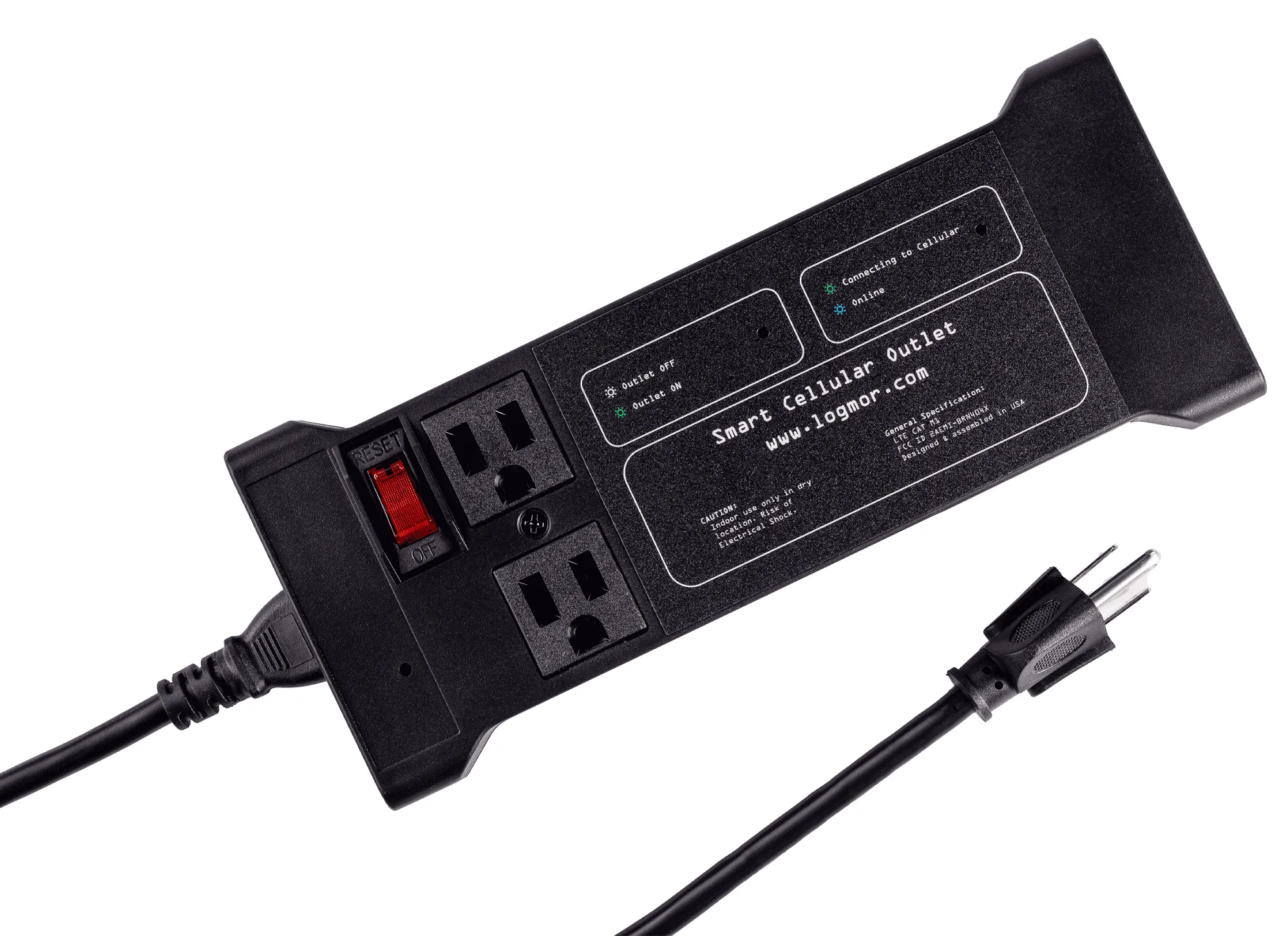
Why Airbnb & VRBO Hosts Use Logmor
Works When the Internet Doesn't
Logmor has its own 4G LTE connection, so you can reboot the modem even when the property's internet is completely down — exactly when a Wi-Fi smart plug can't help.
No Guest Involvement
No walking guests through finding the router and unplugging cables. You fix it from your phone; they just see the Wi-Fi come back.
Fix the Most Common Cause Fast
A frozen modem or router is the most common reason Wi-Fi “stops working.” One tap turns power off for 30 seconds and back on — most equipment is back online within a few minutes.
Set It Up in About 10 Minutes
- Plug Logmor into the wall where your internet equipment lives.
- Plug the modem (and router, if it's separate) into Logmor. Need more plugs? A small power strip plugged into Logmor works — network gear draws very little power.
- Activate: wait for the cyan status LED, then scan the QR code on the back. The portal at device.logmor.com walks you through the rest.
- Name it after the listing (e.g. “Lakehouse modem”) and save device.logmor.com to your phone's home screen so it's one tap away.
Works With Your Internet Equipment
- Cable, DSL, and fiber modems and ONTs
- Wi-Fi routers and mesh systems (eero, Google Nest Wifi, Orbi, and others)
- Starlink — see our Starlink remote reboot guide
- 5G and LTE home-internet gateways
One thing to check: some fiber ONTs and voice modems have a battery backup. Cutting wall power won't fully restart those until the battery runs down, so plug them in directly and reboot the router instead.
Host Tips
- Add a line to your house manual: “If the Wi-Fi drops, message us — we can reset it remotely in a few minutes.” Guests reach out sooner and stay calmer.
- Schedule a weekly reboot during a turnover window (say, Tuesday 11 AM) to head off slowdowns. Schedule rules live on the device and run even if the cell signal drops.
- Managing several rentals? Put one outlet at each property and control them all from one portal account.
- Want it fully automatic? Use the API to reboot when a connectivity check fails — see automating reboots with Globalping and Zapier.
When a Reboot Won't Fix It
An internet provider outage in the area, a billing or account problem, or a damaged cable won't be solved by a power cycle. But a reboot rules out the most common cause in a couple of minutes, so you know right away whether to call your provider.
Host FAQ
Does it work if the property's internet is down?
Yes. That's the point — Logmor connects over its own 4G LTE SIM, not the property's Wi-Fi.
Will guests notice the reboot?
Only a short gap of a few minutes while the modem and router restart — far shorter than waiting for you to drive over.
What does it cost?
$169.99 for the outlet plus shipping ($10 US, $20 Canada; ask us about Mexico). Service — all the LTE data the outlet needs, the portal, and the API — is free for 14 days, then $15/month per outlet. No contract; cancel online anytime.
Does it work in Canada and Mexico?
Yes. It runs on AT&T and T-Mobile in the US, Rogers, Telus, and Bell in Canada, and AT&T in Mexico.