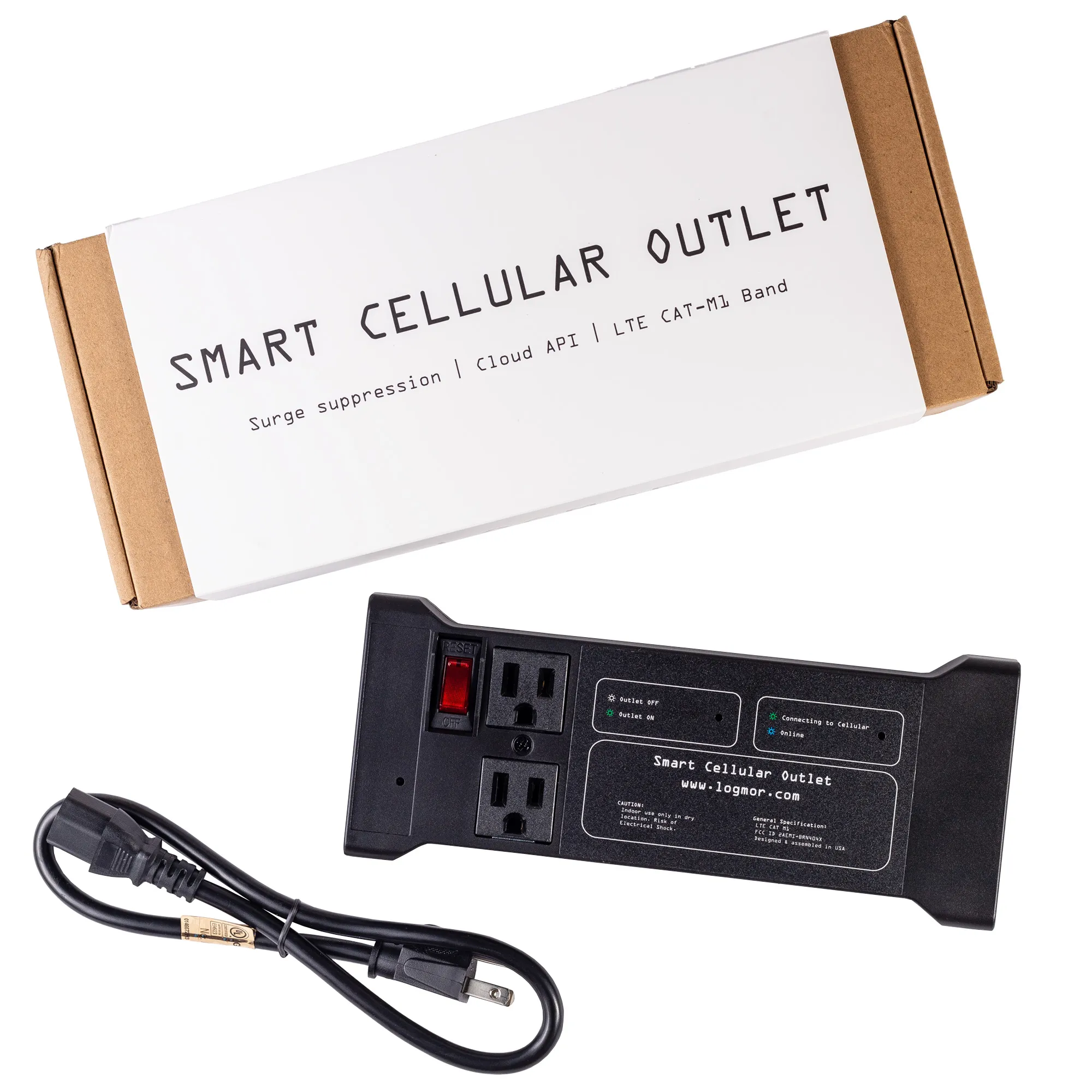
Why Cabin Owners Use Logmor
Works Without Cabin Internet
Built-in 4G LTE on AT&T and T-Mobile in the US, Rogers, Telus, and Bell in Canada, and AT&T in Mexico. Most cabins with phone signal are covered.
Heat Before You Arrive
Turn heat on the night before your trip so the cabin is comfortable when you walk in.
Schedules That Run Offline
Set rules for cold nights or weekends. They're stored on the outlet and keep running if the cell signal drops.
What You Can Plug In
- Heat tape / pipe heating cable — yes. Check the cable's wattage; for all-day heating, keep the total on the outlet under 1200W (10A).
- Plug-in space heaters — only on settings of 1200W or less if it will run for hours (1440W is the absolute maximum). Check the wattage on the heater's label.
- Dehumidifiers, lights, fans — yes.
- Baseboard heaters and furnaces — these are usually hardwired or 240V and can't be plugged in. A licensed electrician can install a properly rated contactor or relay that the Logmor outlet switches.
Cold Weather and Placement
The Logmor outlet is rated to operate from -20°C to 60°C (-4°F to 140°F). Install it in the warmest part of the cabin — a utility room or an interior wall. If the inside of the cabin can drop below -4°F, mount the outlet somewhere that stays warmer.
Check that your phone gets a cell signal where the outlet will sit; a window-side outlet usually helps.
Safety note: Follow your heater manufacturer's guidance for unattended use. Choose heaters with tip-over and overheat shutoff, keep them clear of anything that can burn, and pair every On rule with an Off rule.
FAQ
Does the cabin need internet or Wi-Fi?
No. The outlet has its own LTE SIM — just plug it into power.
What if the power goes out?
You choose what the outlet does when power returns in the portal.
What does it cost?
$169.99 for the outlet plus shipping ($10 US, $20 Canada; ask us about Mexico). Service — all the LTE data the outlet needs, the portal, and the API — is free for 14 days, then $15/month per outlet. No contract; cancel online anytime.